AI Development & Automation
AI applications, intelligent assistants, conversational AI, AI-powered workflows and custom business automation, with a human in the loop where it matters.
What I build
Scheduled agents
Jobs that run on their own timetable, like a daily agent that picks a theme from a content strategy and writes the post and image prompt.
Human approval
AI output lands in a dashboard to review, edit, approve or reject. Nothing goes out until a person says so.
Observable by design
Every agent step is written to a log, and jobs are safe to re-run, so a retry can't create a duplicate.
Self-hosted image generation
ComfyUI running on cloud GPUs, including tracing and fixing the infrastructure failures underneath it.
Concepts
Automation blueprints
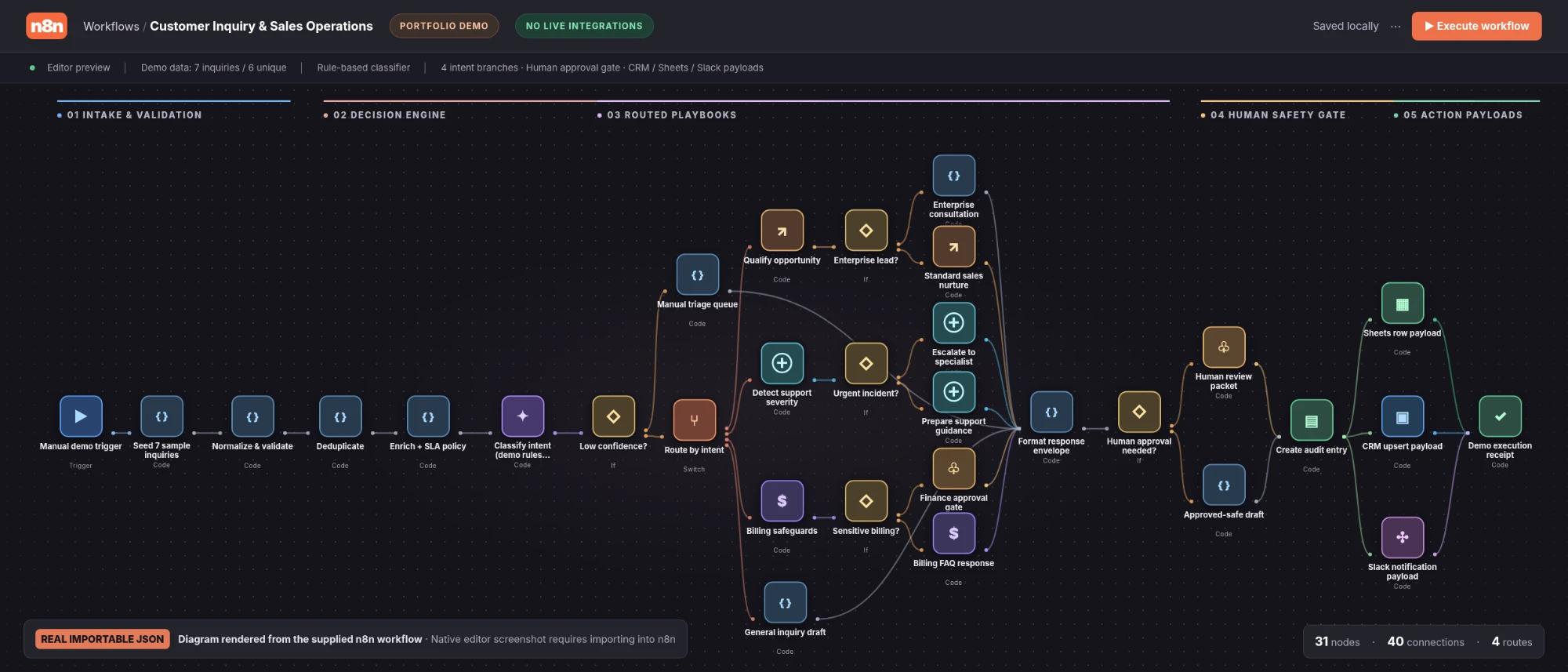
Designs for common business problems, each with a person in control. These are concepts shown with sample data, not client deployments.
Blueprint 01
Help-centre assistant with human handoff
Customers ask the same questions all day, but some conversations need a person.
- 1Answers from the help centre and shows which article it used.
- 2Hands off when it isn't confident, the customer asks for a person, or money is involved.
- 3Gives the agent a summary: the issue, what was tried and why it was escalated.
Person in control: Refunds above a set amount always need a person's sign-off.
- RAG
- OpenAI API
- Vector search
- Escalation rules
Blueprint 02
Invoice extraction with a review queue
Supplier invoices arrive as PDFs and get retyped into a spreadsheet by hand.
- 1Reads each PDF into fields: supplier, invoice number, line items and totals.
- 2Checks the numbers: items add up to the total and no field is missing.
- 3Saves clean rows to Sheets and sends uncertain fields to a review queue.
Person in control: Nothing uncertain is saved silently. A person confirms every flagged field.
- Document extraction
- OpenAI API
- Validation rules
- Google Sheets
Blueprint 03
Lead scoring and follow-up agent
New inquiries wait hours for a reply, and a ready buyer looks the same as a browser.
- 1Scores each inquiry on budget, timeline and fit.
- 2Drafts a personal reply and posts it to Slack for approval.
- 3Logs the lead in the CRM and schedules follow-ups until the customer replies.
Person in control: Every reply is approved or edited by a person before it's sent.
- n8n
- OpenAI API
- Slack
- CRM
Blueprint 04
Ticket triage and weekly customer insights
Tickets land in one inbox, and nobody has time to spot the patterns.
- 1Tags each ticket by topic, urgency and sentiment.
- 2Routes it to the right team's queue.
- 3Writes a weekly summary of the top issues and how they're trending.
Person in control: Agents can fix a wrong tag in one click, and each fix is used to measure accuracy.
- Classification
- Sentiment analysis
- Routing
- Reporting
Blueprint 05
Testing and monitoring for AI workflows
AI features drift quietly: one prompt change can break answers nobody re-checks.
- 1Runs each workflow against labelled test cases after every change.
- 2Tracks accuracy, cost per run, response time and failures over time.
- 3Flags regressions and shows the exact cases that failed.
Person in control: A change only ships when it passes the test set.
- Evals
- Test sets
- Logging
- Dashboards
Related work
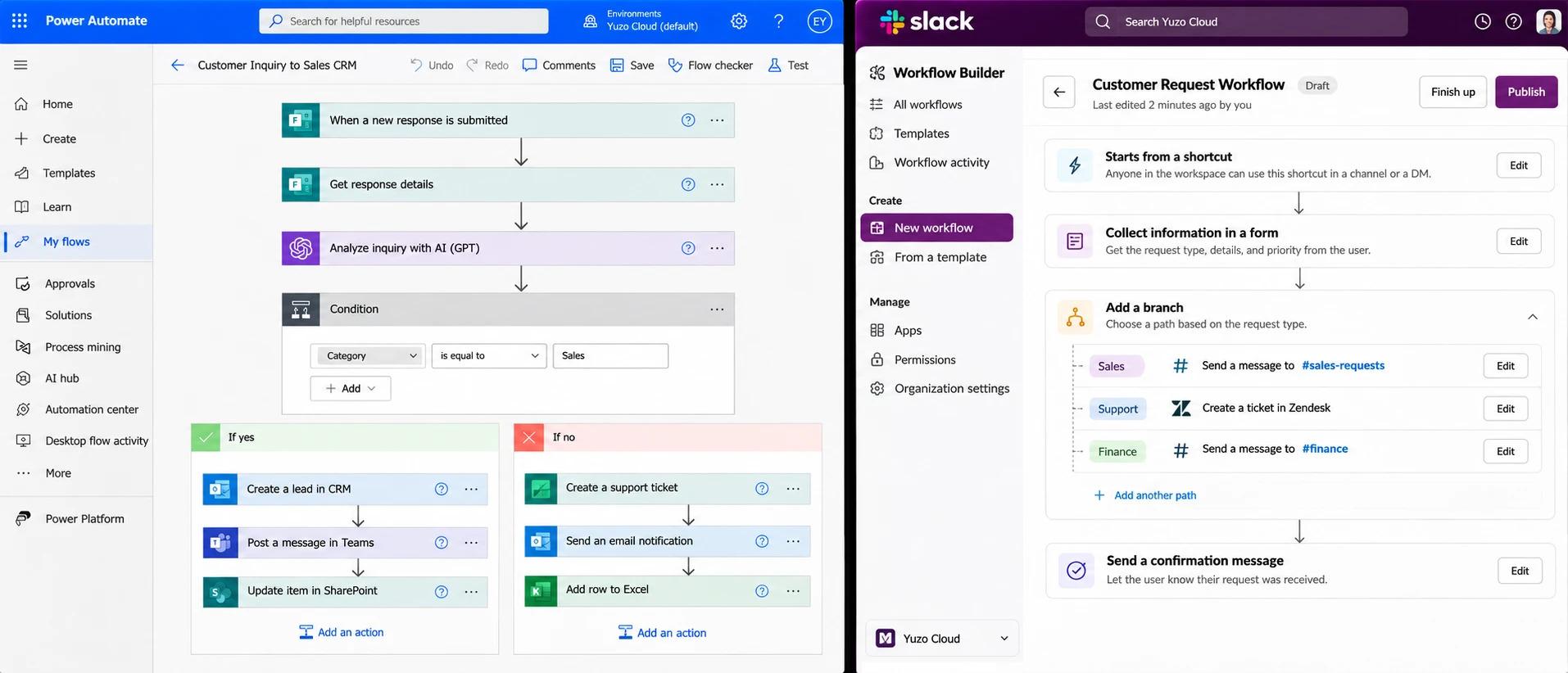
Client names are withheld, and every screen shown is a mockup with sample data.
Next expertise
Data Analytics